


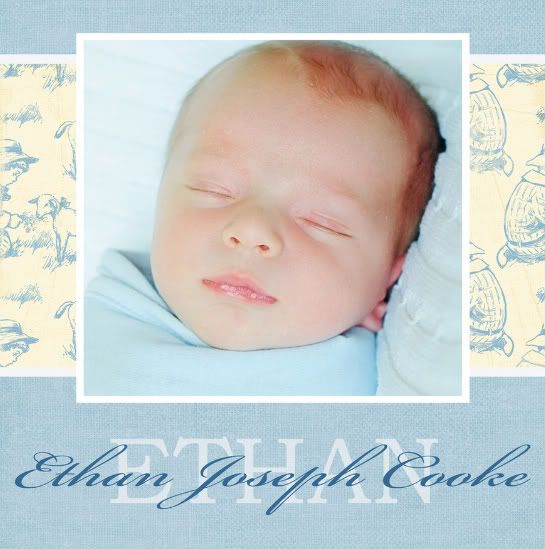
Photo of Ethan by Summer Photography
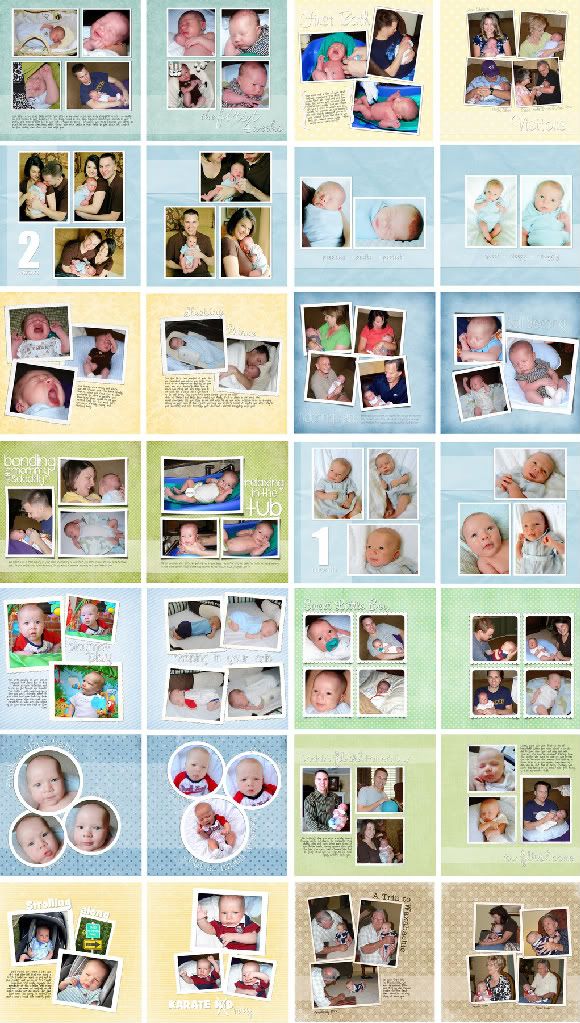
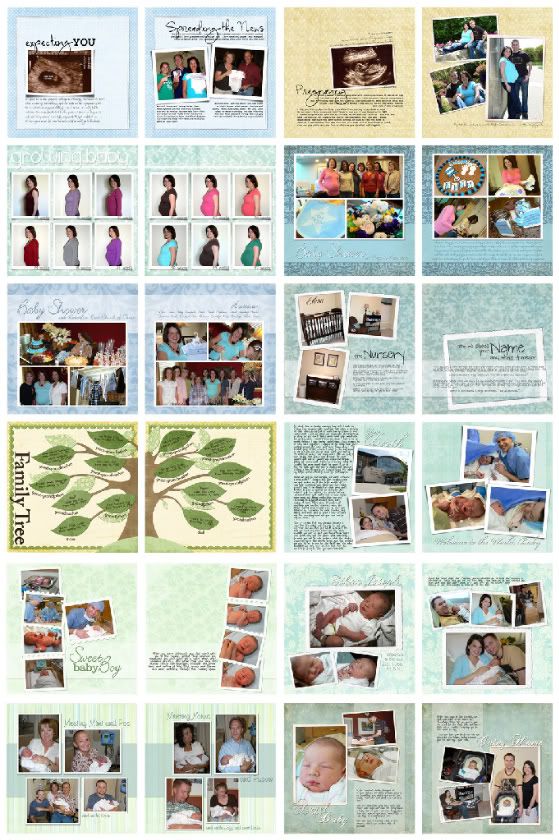
My plan since I was still pregnant with Ethan was to make his baby book in digital scrapbook form and combine it with a first year scrapbook. I want to have a section about the pregnancy, including some sonogram photos, and a section about each month of his first year. That is the plan. Notice that it is still a plan and not a book. I have made the cover {above} and a few first pages, but considering that he will be 10 months old in two days, I am painfully behind. My goal is to have this book completed {except for his one-year birthday pages} by his first birthday. That is a lofty goal, I know. I have also decided to post the pages {as I get them done} on our photo website under "Digital Scrapbooks." At the very least, this will be a place to share the scrapbook and maybe it will also hold me just a little bit accountable for finishing it. I figure I've got to do at least 5-7 layouts a week from now until the end of May to get this thing done. Wish me luck!
First, you can print individual pages and put them in a traditional scrapbook with clear sleeves for each printed page. This allows you to print pages as you go and not have to wait until your entire book is done to print some of the first pages. Here are a few places that will do this, although there are many more if you look around the internet. I have not used any of these specifically for printing pages because, as I said before, I don't like printing individual pages.
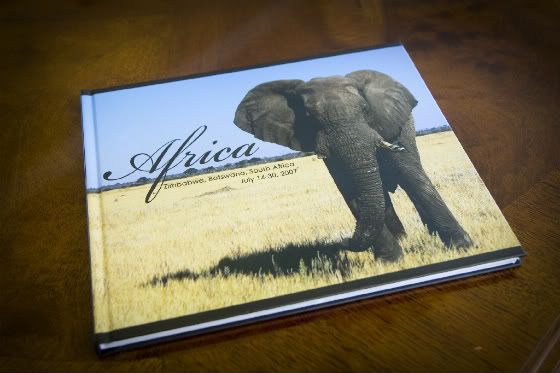
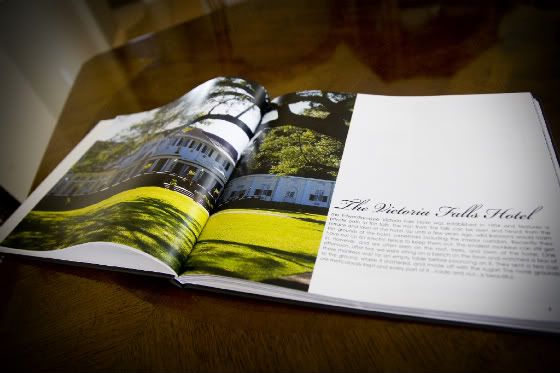
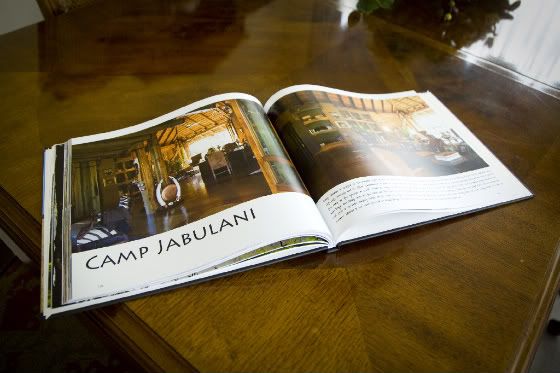
Or you can complete your book and have it printed in bound form like a photobook...just with your digital layouts instead of the regular templates. Often you have the option of creating the cover, back and spine for your book as well, which makes it even more customized. This is what I have done and intend to do with my digital layouts. It is worth the wait for me to have a product that I think is most attractive, practical and durable. Here are a few places that will print a finished book:
5. Inspiration. For me, this is crutial. Sometimes I need a little spark to get the creativity flowing. For most digital kits, the designer will post a couple of sample layouts using the files in that kit. Look for these on the page that shows the details of the kit. There are also galleries of layouts on every single digital scrapbook store website. Additionally, most designers have a blog or website on which they post their layouts. I go to all of these places to get ideas.

2. The finished album is 10x smaller. You do have the option of printing your scrapbook layouts individually and binding them in a traditional album. But why would you do that? You can use Shutterfly's digital scrapbook solutions {and a couple of others} to print your digital scrapbook in a nice, neat, manageable book. Perfect.
3. The workflow is much more organized and practical. When I want to scrapbook, I don't have to haul out all my supplies on my dining room table. Alternately, I don't have to either leave them out there or pack them up again when I'm done. Everything is packed nicely away on the computer for me to "pull out" whether I've got one hour or a whole weekend to dedicate to scrapping.
4. I save money. When you buy traditional supplies and you use them {besides stamps}, they're gone. Then you have to buy more. With digital scrap supplies, you can use them again and again...and for different projects. Also, you don't have to print your pictures. And if you accidentally crop a picture badly or want to change it...you can...and you didn't waste a print.
5. More creative licence. When I put together a layout, I move things around like crazy and change things up a lot until it's perfect for me. I need to let go of the perfect thing...but with digital scrapping, I can move and change things to my heart's content and I haven't used or ruined any of my supplies.
6. Print multiple copies. If I wanted to share my book or make another copy, I can. And I don't have to do everything all over again.